Arvato Systems – Certificate Authority Services (CA-Services)
Importing the “Bertelsmann CA - G2” root certificate onto an end device
(the following example pictures are only available in german at the moment)
- Download the root certificate of the “Bertelsmann CA - G2” here: smartid.arvato-systems.de/downloads/Bertelsmann_CA_-_G2.cer
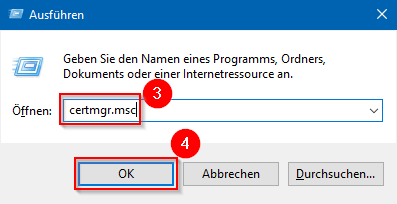
- Press the buttons simultaneously <Windows> und <r>
- Enter the search term „certmgr.msc“
- Click „OK“
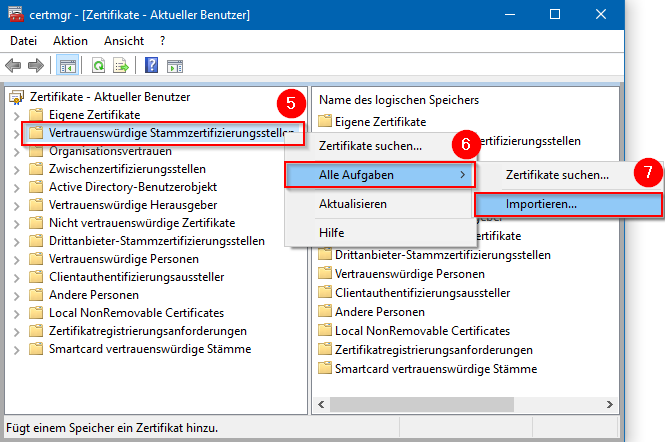
- Right-click on the list entry “Trusted Root Certification Authorities”
- Select the entry “All tasks”
- Click „Import...“
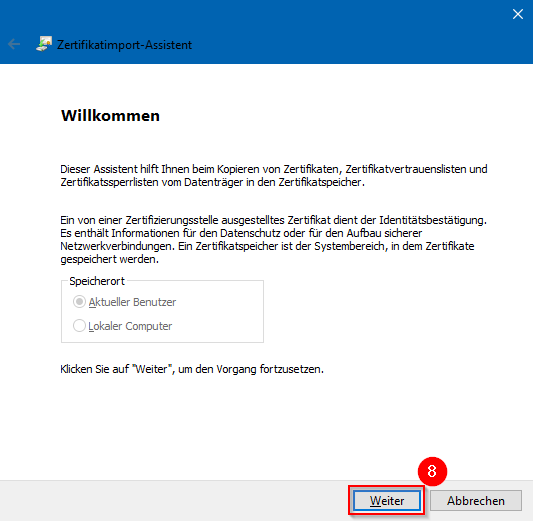
- Click "Next"
- Click “Browse…”
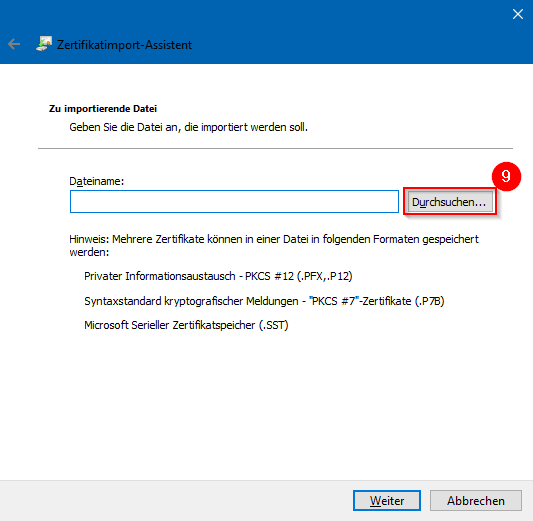
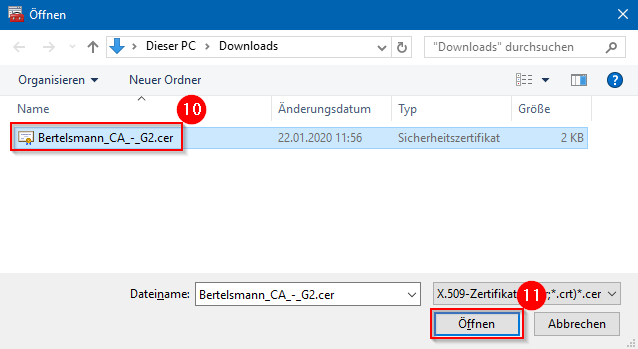
- Select the certificate downloaded in step 1 from the file system.
- Click „Open“
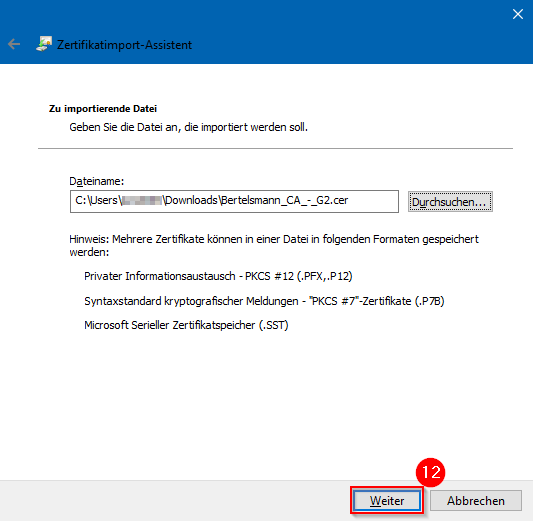
- Click "Next"
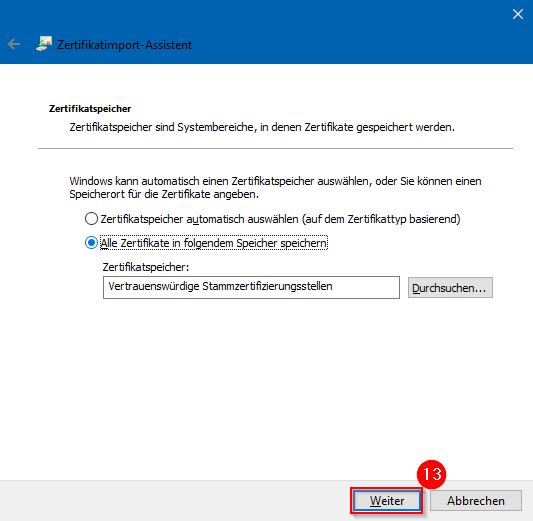
- Click "Next"
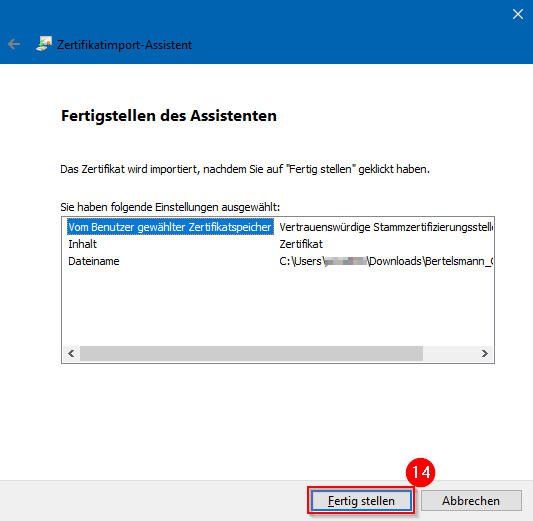
- Click “Finish”
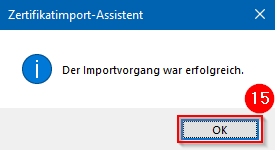
- Click „OK“